 RGIX
Personnel tracking
Know where everyone is. No badges, no apps, no "where's Dave?"
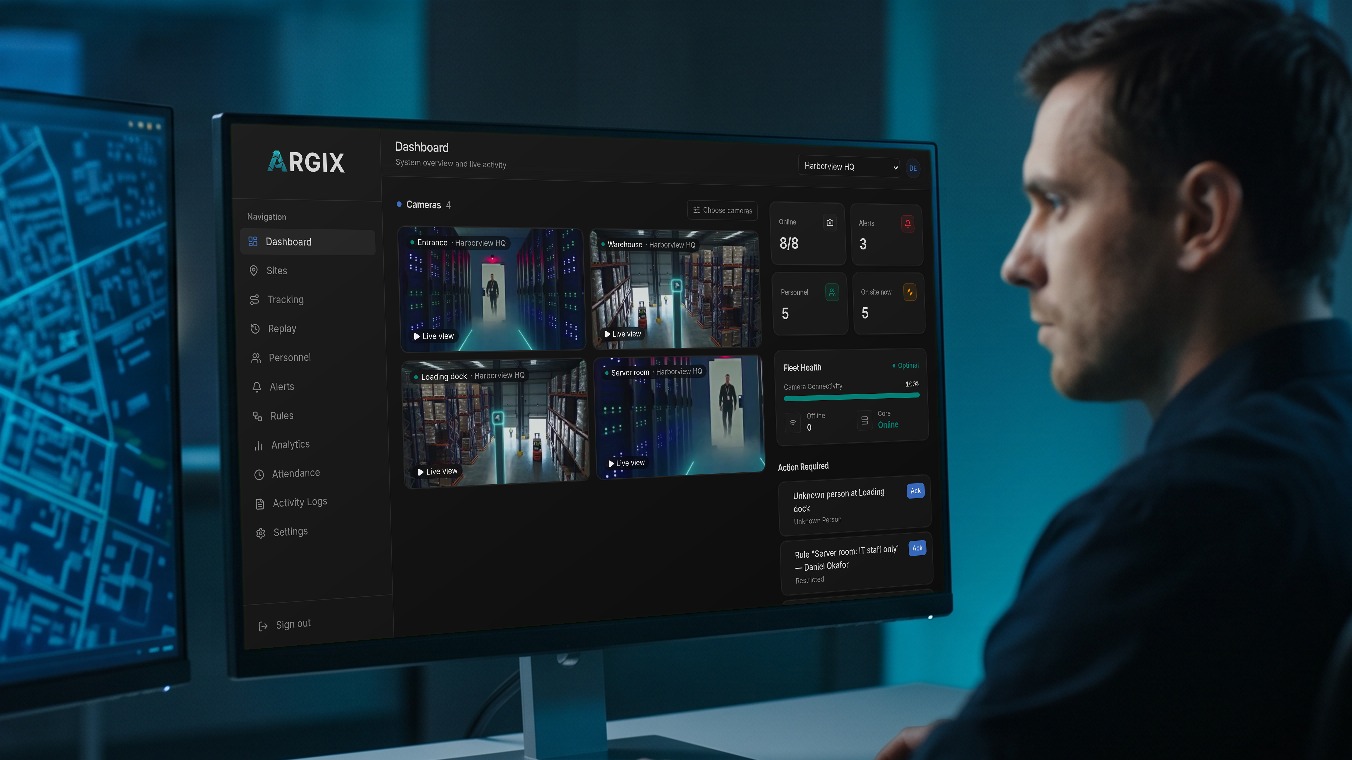
Argix cameras recognise your staff, subcontractors and visitors as they move around, and put them on your own floor plans. See who's on site right now, or replay the route anyone took through the building.
Three steps to a live map.
- 1
Upload your floor plan
An SVG, PNG or JPG of each floor. The drawing you already have is fine.
- 2
Drop your cameras on it
Pick a camera, click where it hangs. Takes about as long as reading this sentence.
- 3
Watch your people appear
Every face the cameras recognise lands on the plan with a name and a time.
Live
A live headcount, on the map.
Track employees on site without chasing anyone on the radio. Open the plan and everyone the cameras have seen is right there, at the spot they were last seen.
Who's on site, right now
Faces sit on the plan at the camera that last saw them, and move as people do. New arrivals show up in seconds.
Pick your window
Show everyone seen in the last 15 minutes, half hour, hour or four hours.
Every floor, counted
Each floor shows how many people are on it, so you know where to look first.
Every site, one login
Switch sites from the top of the page. Each has its own plans, cameras and people.
Route replay
Where did they go? Press play.
Every sighting is kept, so you can answer "who was where, and when" for any day, not just right now. Handy for incidents, audits and the occasional missing forklift key.
The path they took
Pick a person and a day. Numbered stops at each camera, joined by a line in the order they happened.
Every stop, time-stamped
Hover any dot for the exact time and the capture behind it.
Zoom into busy spots
Captures at the same camera spread apart as you zoom, so nothing hides behind anything else.
Then check the footage
Open that camera in Replay and scrub to the moment. Video is kept for up to 90 days.
It knows where people shouldn't be, too.
Set a rule once and Argix keeps an eye out, so nobody has to watch the map all day.
Wrong place
Get alerted when someone is seen at a camera, floor or site they aren't allowed in.
Wrong time
Flag anyone seen outside their allowed hours, overnight shifts included.
Not one of yours
Unknown faces are captured and can trigger an alert the moment they're seen.
Built for places where people move around.
Construction sites
See which crews and subcontractors are on which level, and who came through the gate today.
Warehouses
Know who's on the dock, in the aisles or in the cold store, without radioing around.
Data centers
Who went into the server hall, when they left and where they went in between.
Offices and multi-site teams
Check who's in which building before you drive over, or before you lock up.
Why cameras, not badges?
Badges get lent, lost and left in the van. Beacons need batteries. Apps need everyone's phone. A face is always on its owner, so the staff tracking you get is the staff tracking that actually happened.
- Your plans, your layout. Works with the floor plans you already have, one per floor.
- Only your people are named. Argix identifies people you enroll. Everyone else stays an unknown face.
- Attendance comes free. The same sightings check people in and out, so the attendance sheet fills itself.
- Real video behind every dot. 24/7 recording means you can always go and look.
Questions, answered.
How does Argix know where someone is? +
Each Argix camera recognises faces as people walk past. You place every camera on your floor plan, so a recognition becomes a dot at that spot with a time. Argix shows the camera that last saw someone, not GPS coordinates.
Do employees need a badge, app or wearable? +
No. People are recognised by the cameras, so there is nothing to carry, charge or forget. You enroll each person once with a photo.
Does it track subcontractors and visitors? +
Anyone you enroll is tracked by name, whether they are staff, subcontractors or regular visitors. People you have not enrolled show up as unknown faces, and you can be alerted when one is seen.
Is this employee monitoring software? +
No. Argix does not look at computers, screens or keystrokes. It shows where people are on your sites, using the cameras at your doors, corridors and work areas.
Can I see where someone went earlier? +
Yes. Pick a person and a day to draw their route through the building: numbered stops at each camera, joined in the order they happened, with the time of every sighting. Press play to replay it.
What does personnel tracking cost? +
It is included in every Argix plan, from $45 per camera per month, with the Argix AR100 camera at $399 per camera, or $499 installed by us.
Put your people on the map.
Book a demo and we'll show you how it would work on your sites.